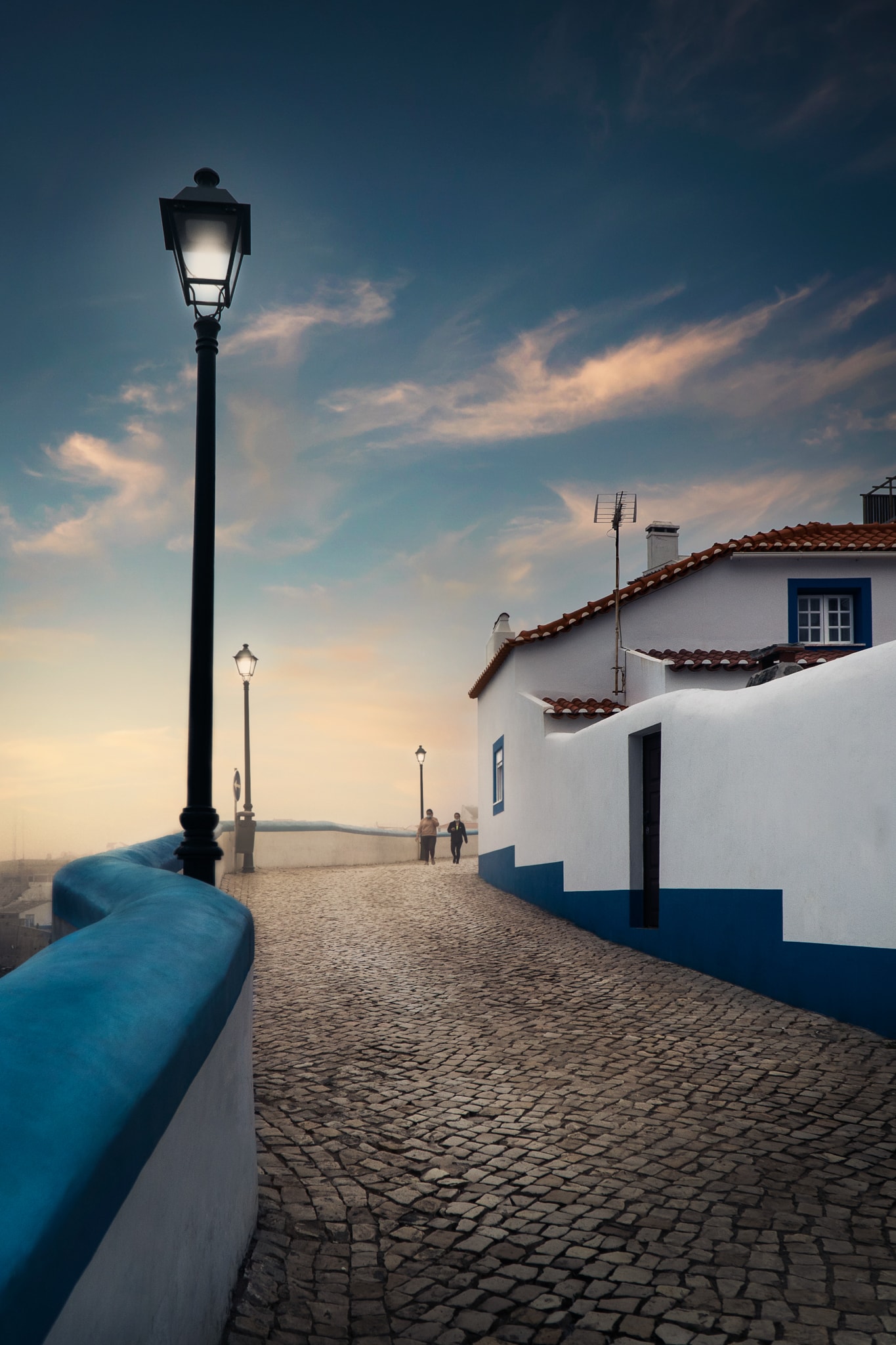
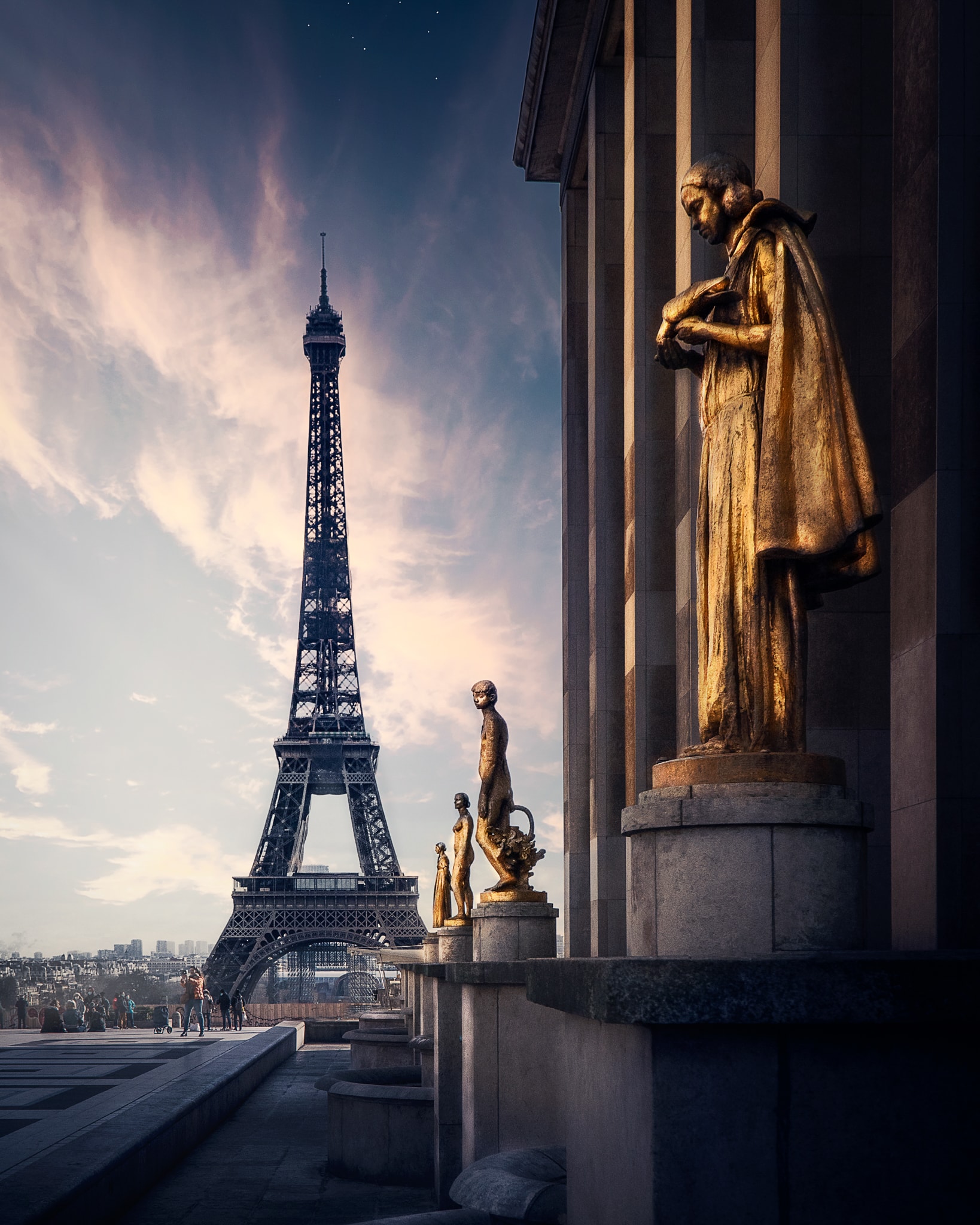
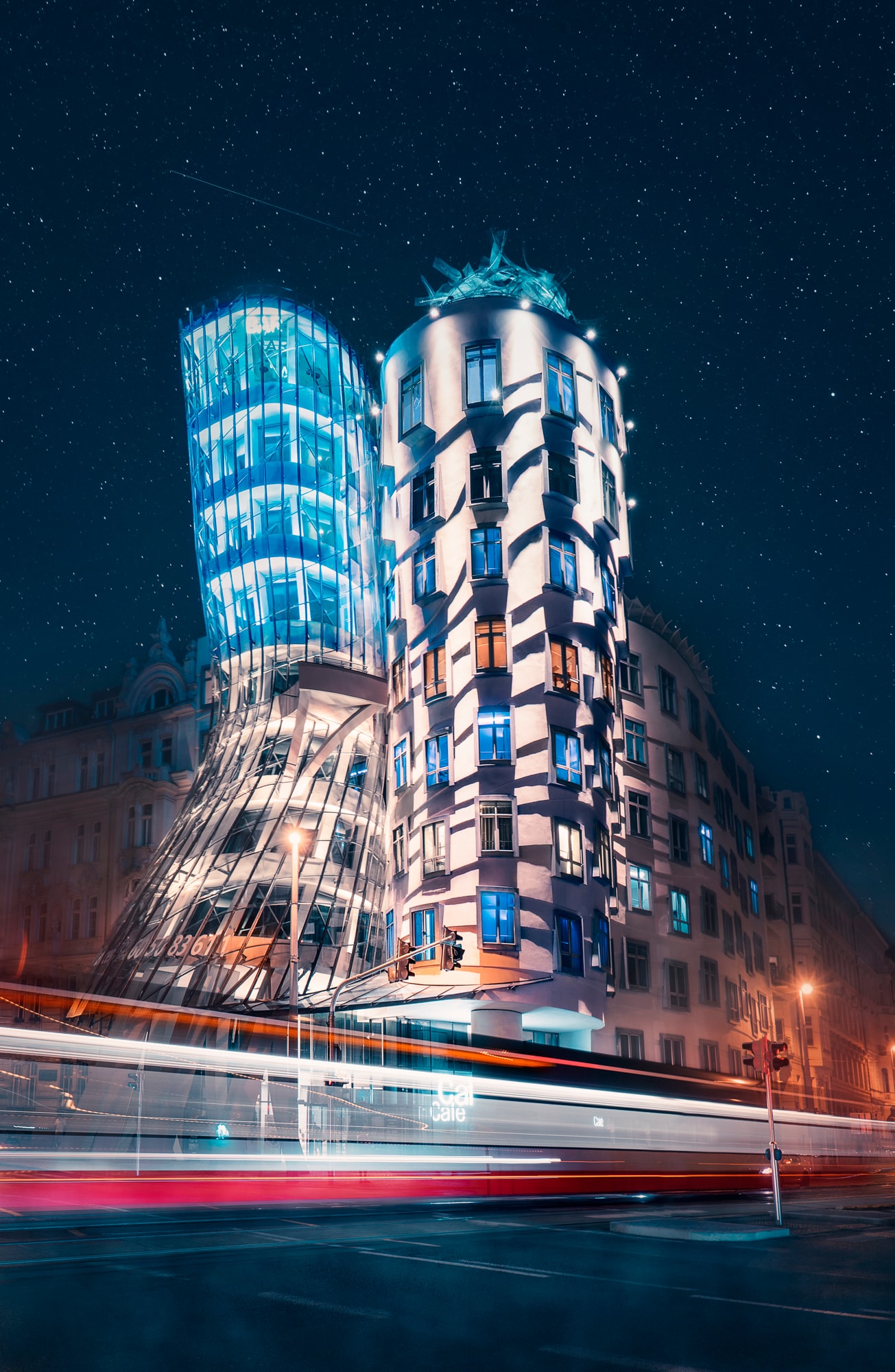
Travel Presets Pack
for phones & cameras photos
INSTANTLY TRANSFORM YOUR PHOTOS
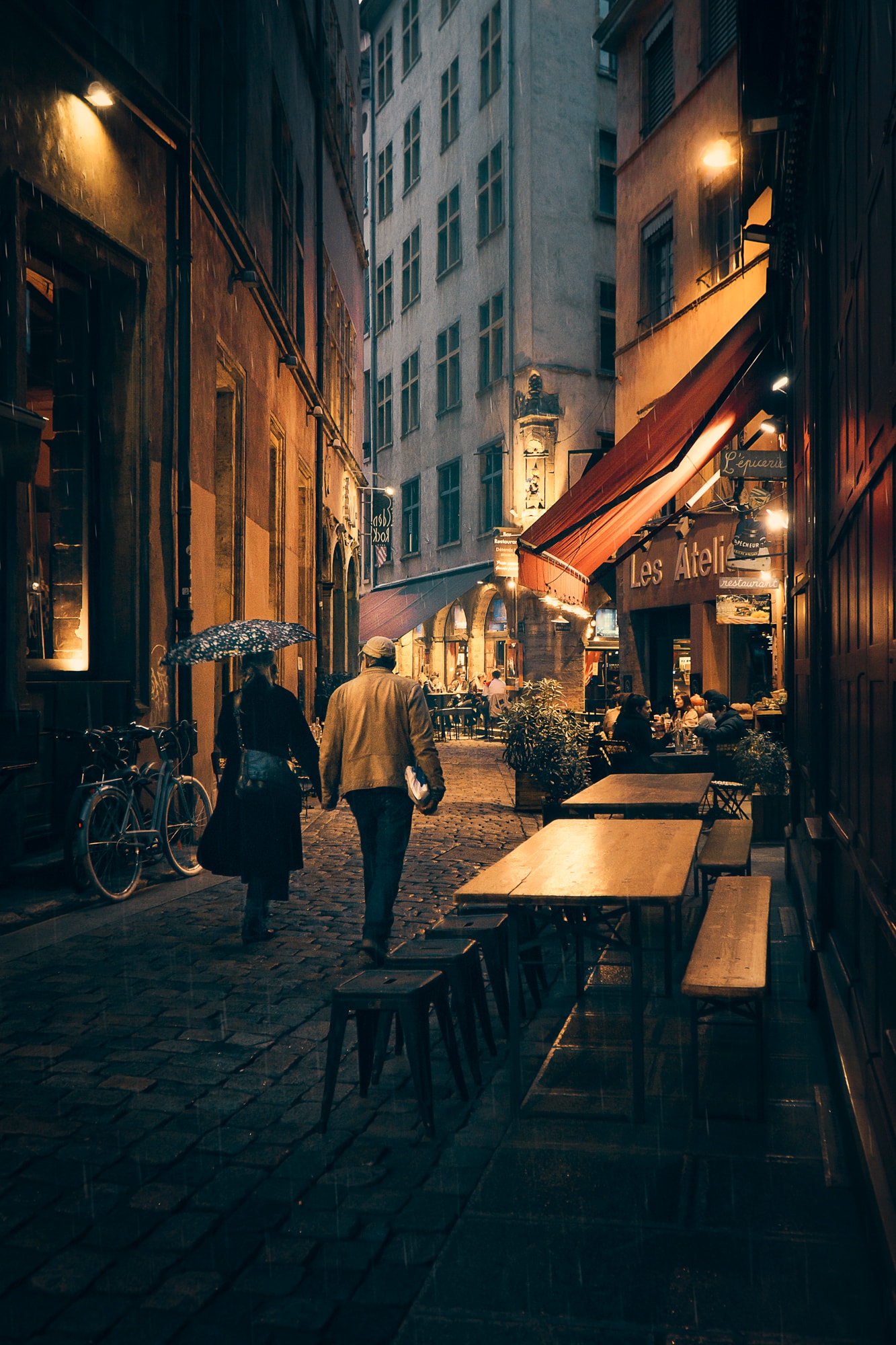
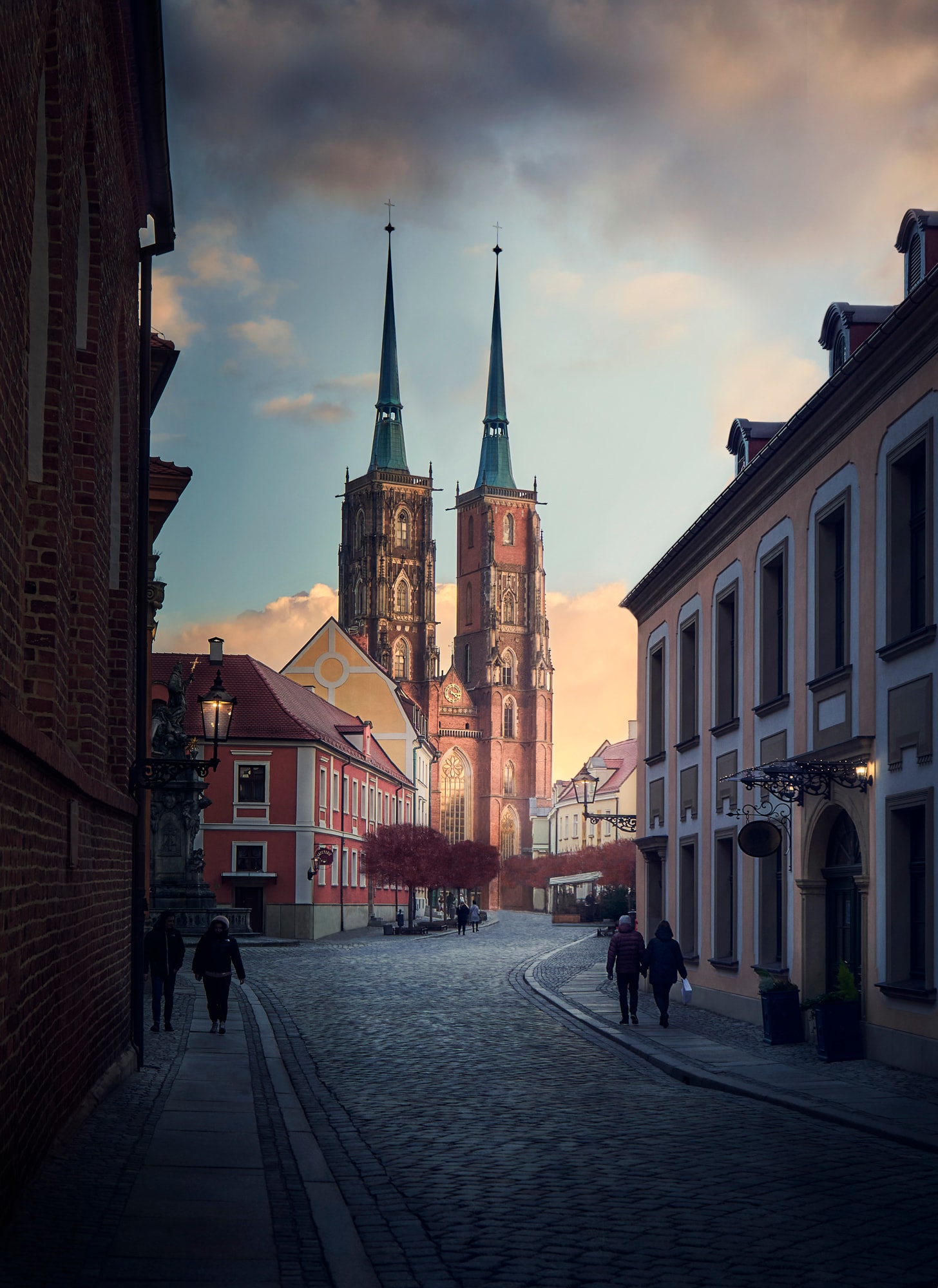
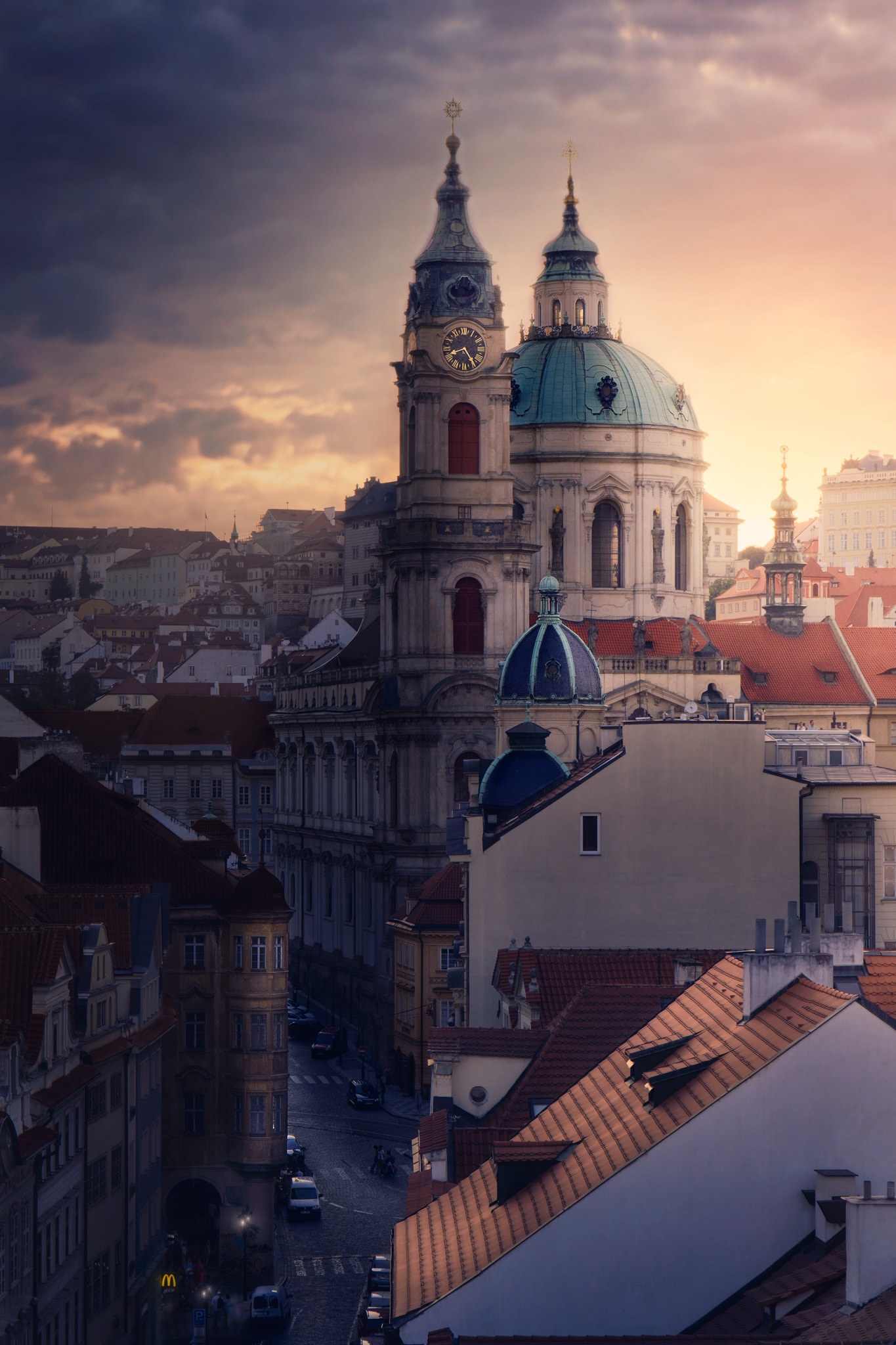
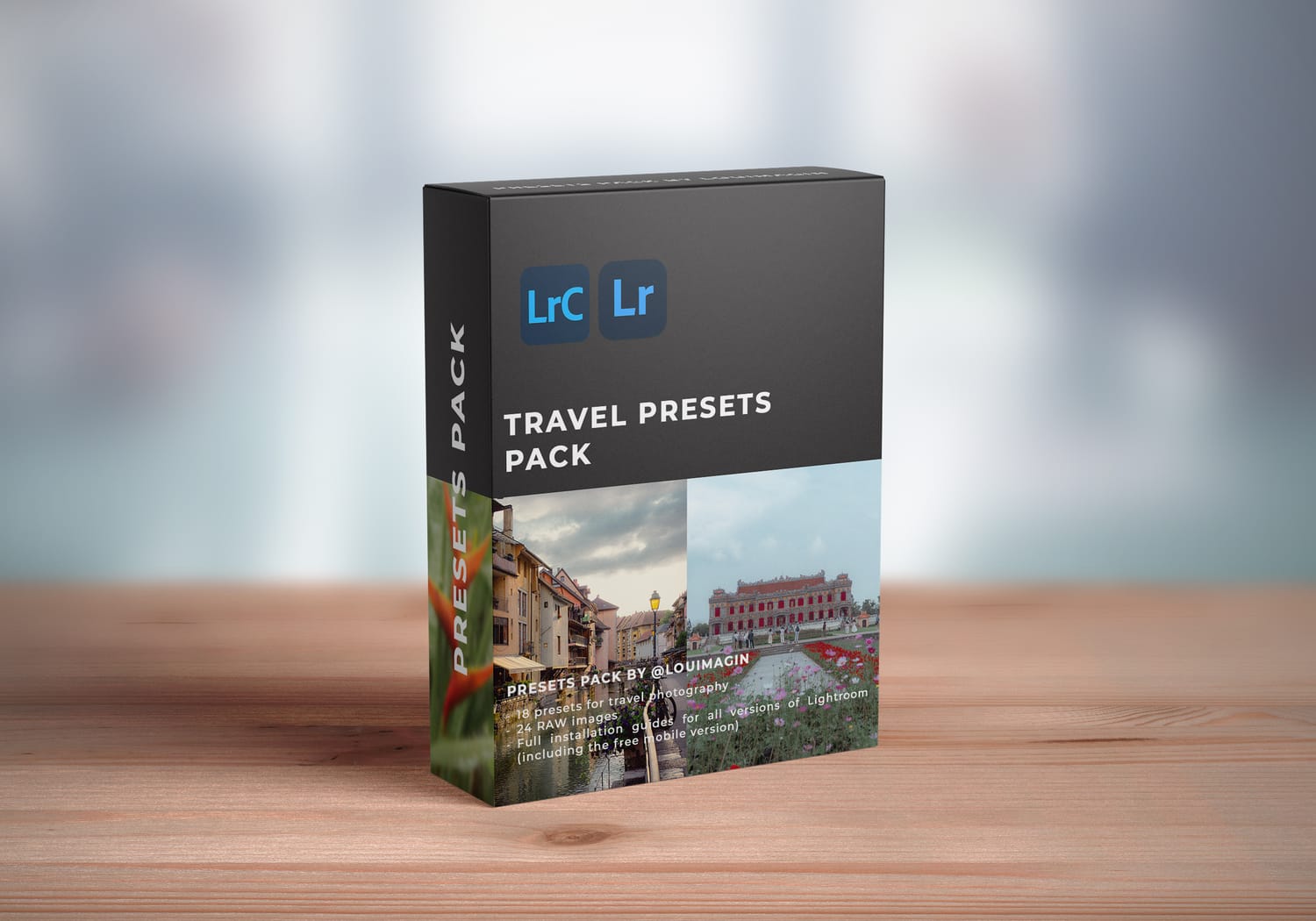
20 Lightroom Presets to help you edit your travel photos in 1-click, or to create a good base before editing more in depth.
Some of the presets include dynamic masks automatically applied to your images, even with the free version of Lightroom mobile.
Works on both RAW & JPG photos.
Camera & mobile phone images.

20 presets
24 RAW photos
Installation Guides for all Lightroom versions
These presets are for you if:
You take travel photos (or landscapes, cityscapes, and outdoor photos) — Note: These presets are NOT designed for portrait photos.
You want an easy way to edit your photos and give them a professional look that makes them stand out.
You’re looking for a solid one-click base to enhance your photos before making your own adjustments.
You want to deepen your understanding of Lightroom and learn from my personal settings.
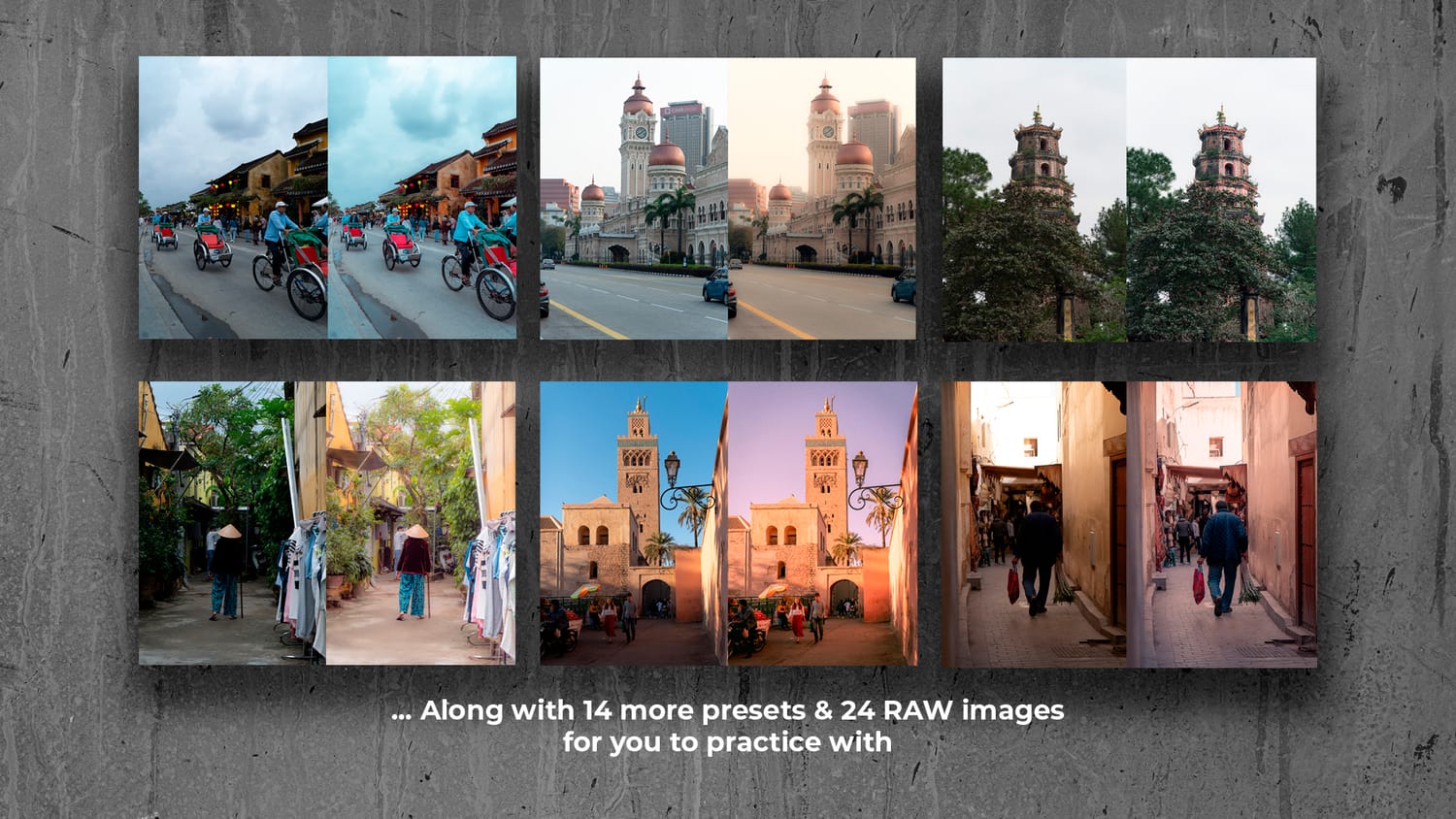
What's included :
20 Lightroom presets Compatible with Lightroom Mobile, Lightroom Classic, Lightroom Desktop, Camera Raw
24 RAW Files Travel images for you to practice
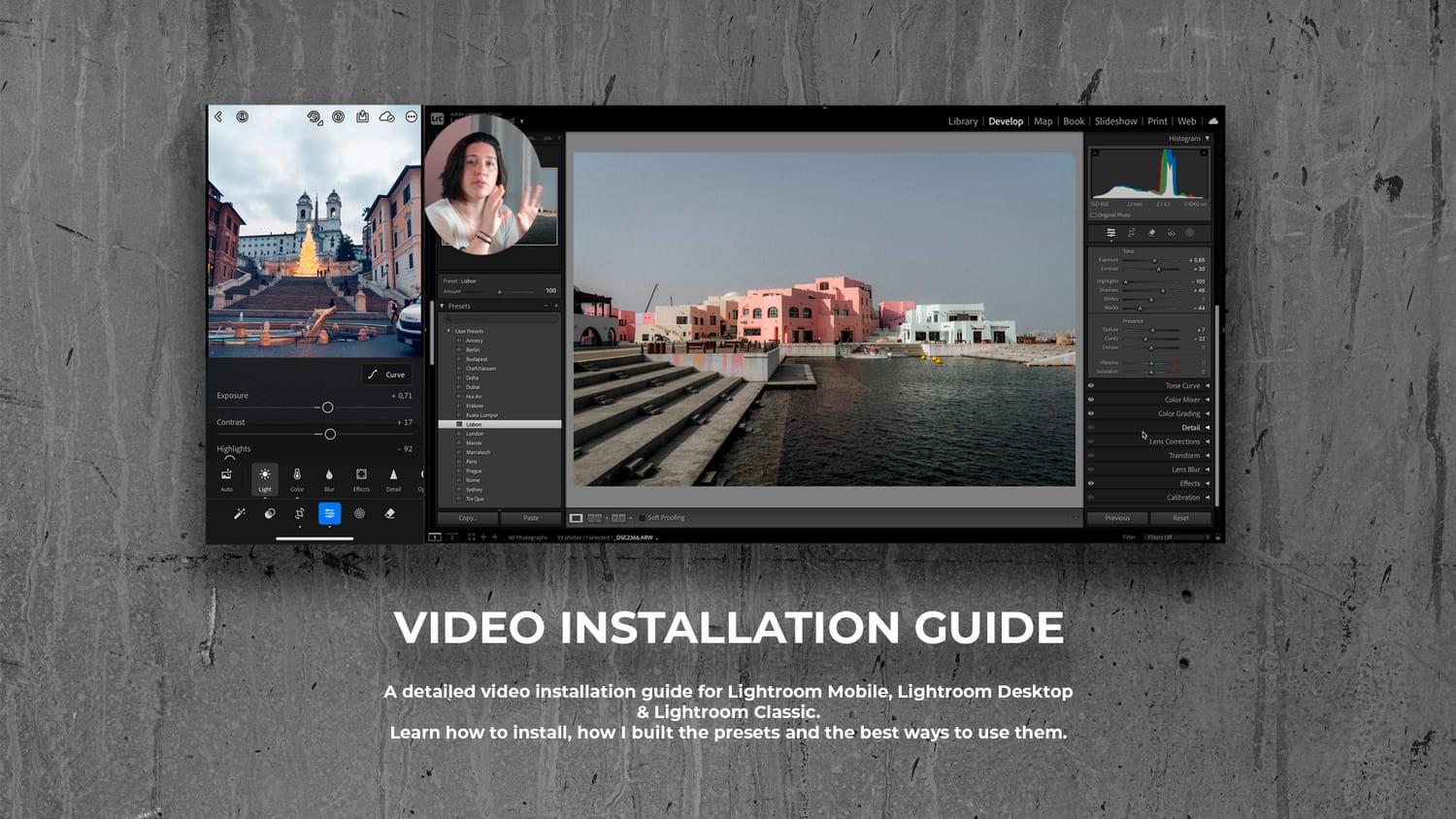
Installation Guide - Full video installation guide for each versions of Lightroom
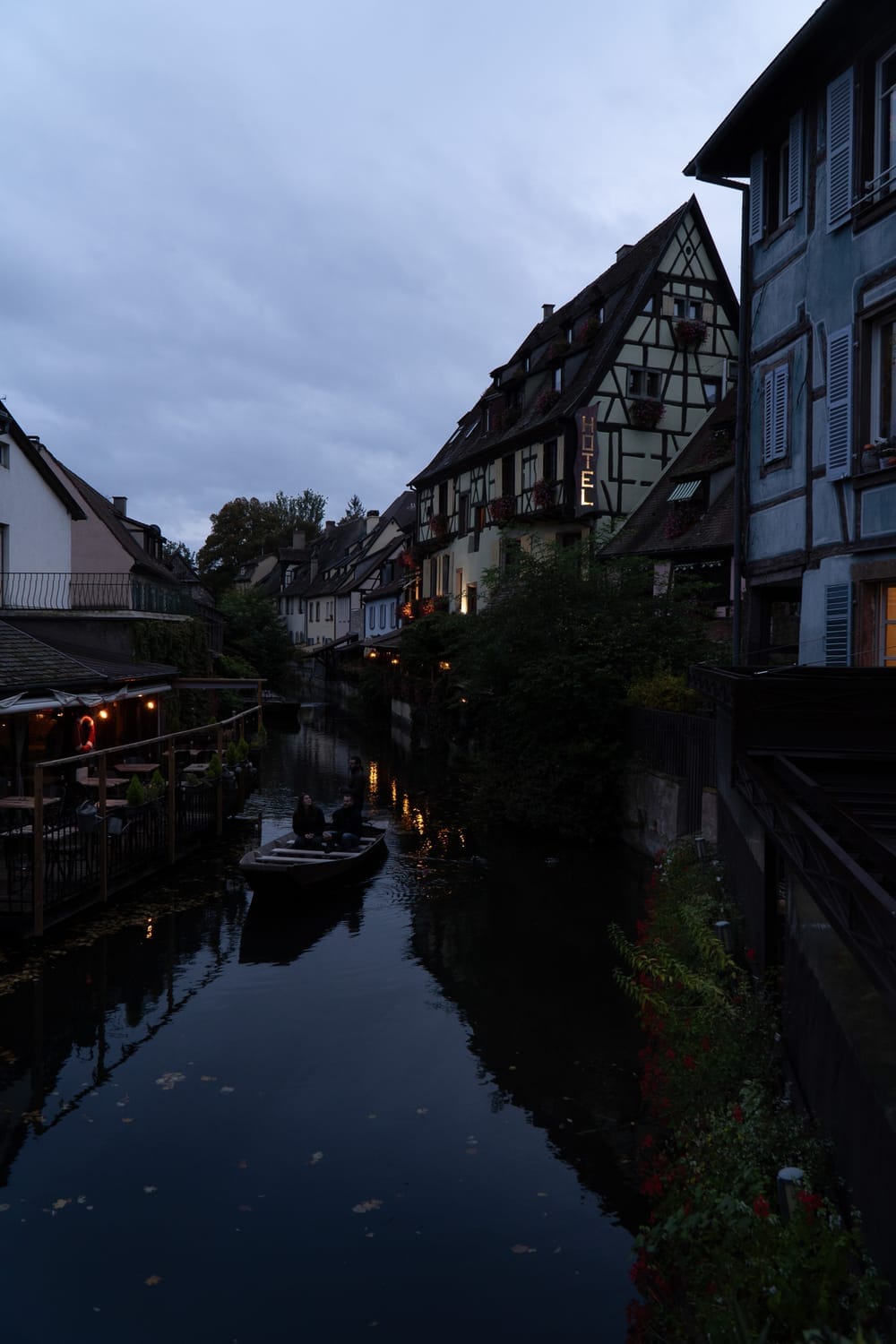
BEFORE
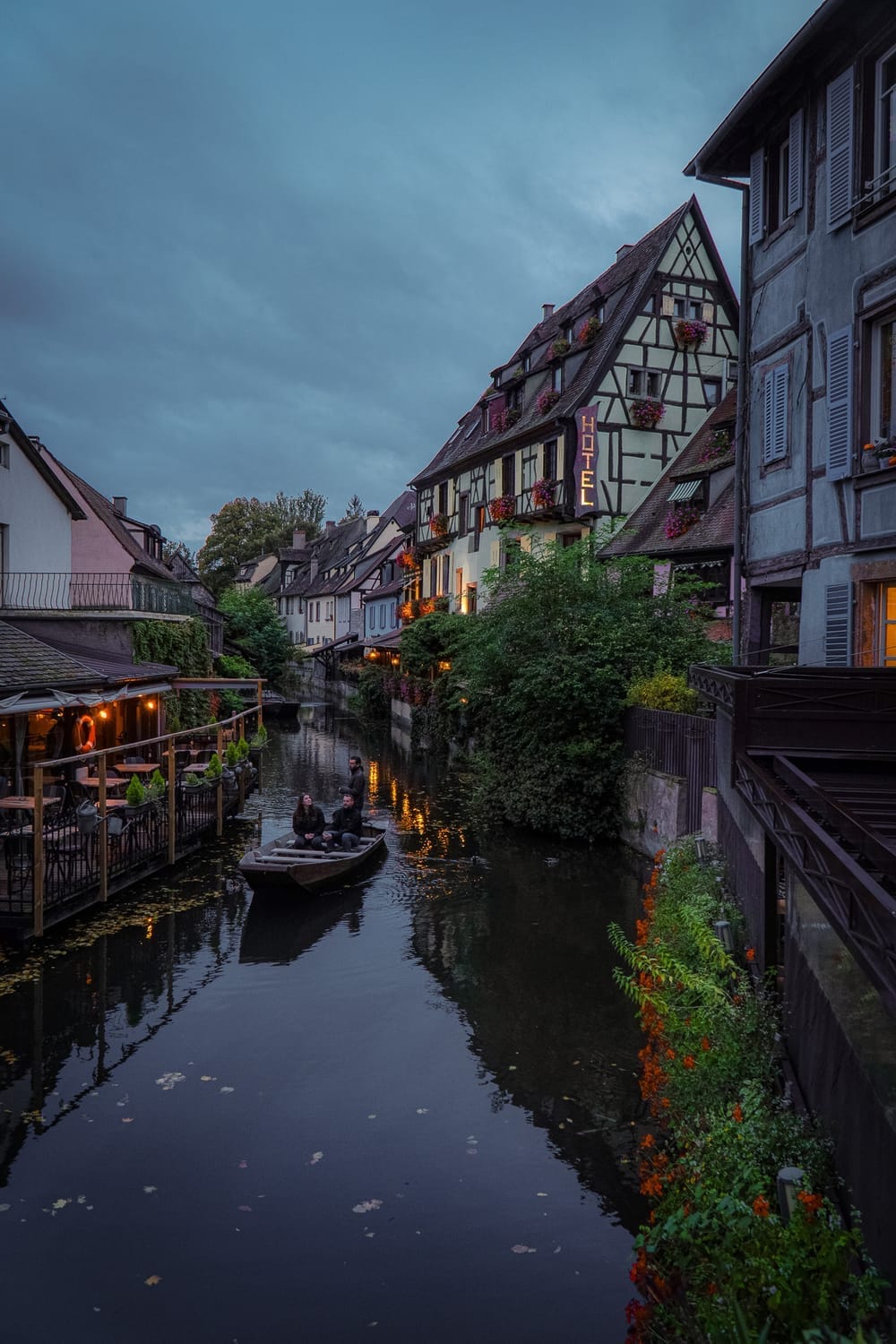
AFTER
YOUR QUESTIONS ANSWERED
20 presets .xmp files, that you can use on all versions of Lightroom (including the free version), Camera Raw, and all software that allows you to upload .xmp files
24 RAW images Photos from my travel in Vietnam, France, Australia and Kuala Lumpur
Installation Guides
Learn to install & use everything that is included in the pack :
• Introduction
• Installation Guide for Lightroom (Desktop)
• Installation Guide for Lightroom Mobile
• Installation Guide for Lightroom Classic
• Conclusion
This step-by-step course ensures you can maximize the potential of this presets pack.
A full installation guide is included in the preset pack. You'll get videos with step-by-step explanations on how to install the presets on laptop and mobile.
You can use the presets with Lightroom, Lightroom Classic, Lightroom mobile (works with the free version as well), Camera Raw. And any software that accepts presets with .xmp files.
Due to the digital nature of this product, I can't offer a refund for this product.
Email me here with your question : contact@louimagin.com
Who Am I ?
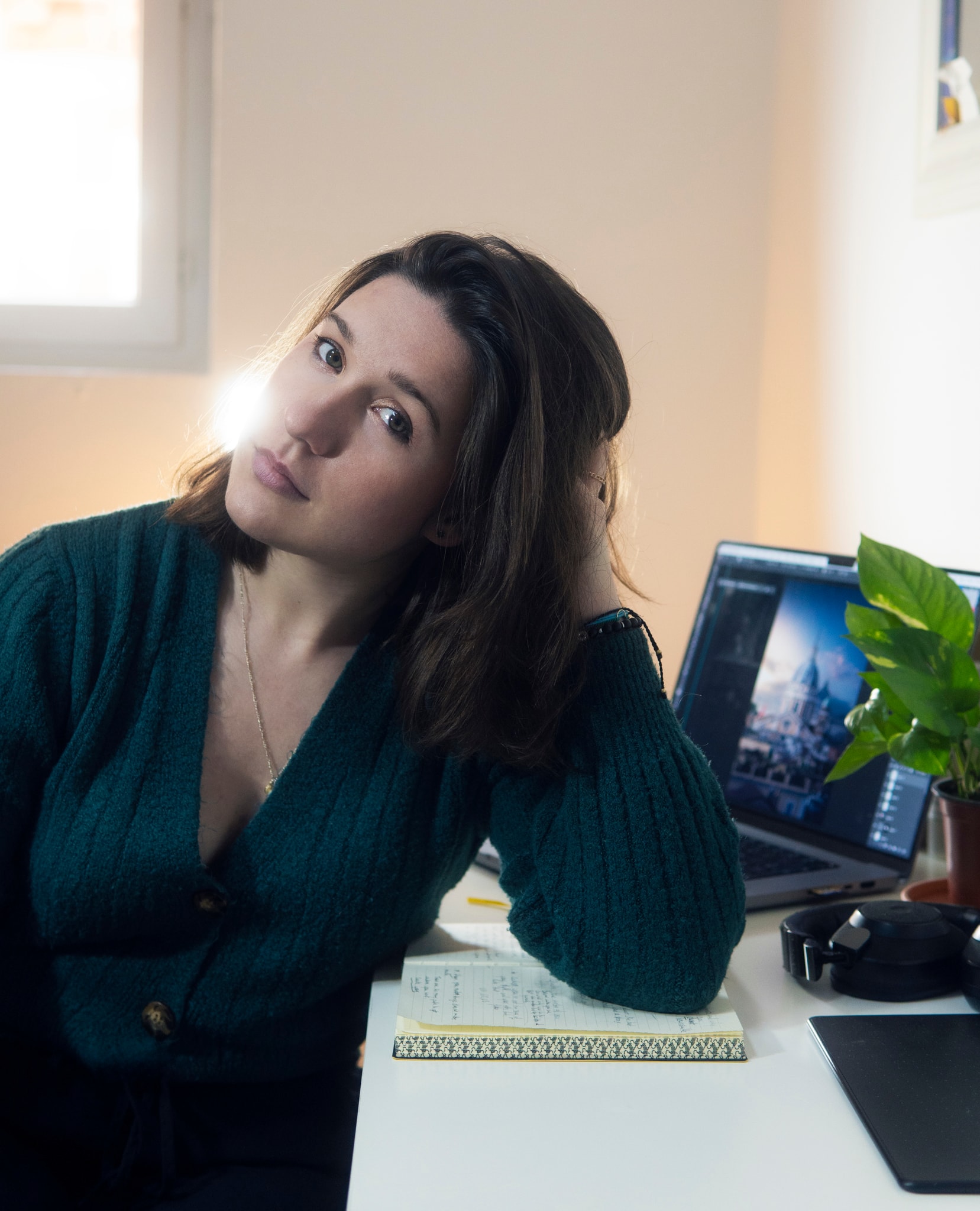
I'm Lou, founder of Lou imagin.
This is by traveling the world first, that my passion for photography & photo retouching started to grow.
Armed with a growing passion, and a bit of an obsession for photoshop and digital art, I was able to evolve my retouching skills pretty quickly.
This enabled me to work in several retouching studios across Europe but, encouraged by various mentors, I decided to launch my own business in travel photography.
What I'm passionate about is capturing the essence of a city, recounting a moment lived in a city alley, transporting those who are watching right into the middle of it.
Today, in addition to my work as a photographer, I share and teach my retouching techniques dedicated to travel photography, and help photographers to discover their own style.
I can help you master your editing to create images that stand out, tell powerful stories, and reflect your unique vision.